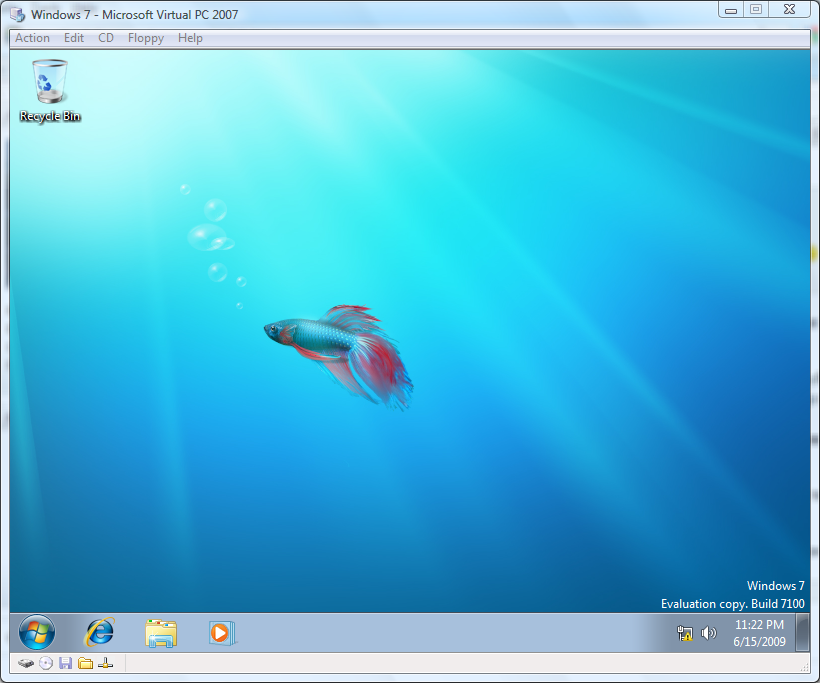
 I downloaded and installed Windows 7 as a guest OS in Virtual PC 2007 SP1. I’m running Windows Vista Ultimate as my host OS and recently downloaded Virtual PC 2007 SP1 from the Microsoft website for testing some older OSes and browsers. I’ve been hearing a bunch of hype about Windows 7, I’ve seen the youtube videos, and have even seen some in person demos but I was finally ready to take a look at the OS myself. The whole process did take over two hours (over half of it downloading the 2+ GB ISO), but because it was all virtualized I continued using my computer to surf the web in the background.
The installation was pretty straight-forward, but from what I read you should make sure you have the latest version of Virtual PC. I created a new VHD and used the Windows Vista settings. I have 4 GB of physical RAM in my laptop, so I opted to use 2GB for the guest OS. The installation process seemed to run fairly slow and I’m not sure if this is due to running it in a virtualized environment or because I was installing it to a laptop hard-drive, but I figured it would speed up once I actually got into the OS.
I was sad to find that the OS was running really slow when I first booted into it, but after reading a few more posts on the internet I heard that installing the Virtual Machine Tools would help speed things up. I did notice that before installing the tools, my video adapter was only showing 4MB of memory available from within the guest OS. After installing the Virtual Machine Tools, the Windows 7 is running much faster and all the visualizations (spinning wheel) are running much more smooth.
I probably should have taken a few screenshots of the whole process, but for now you’ll just have to live with a screenshot of the OS virtualized post-installation.
PS. the virtual machine tools also enable a number of features (such as the ability to move the mouse from guest OS to host OS without the right-alt key press)


Leave a Reply